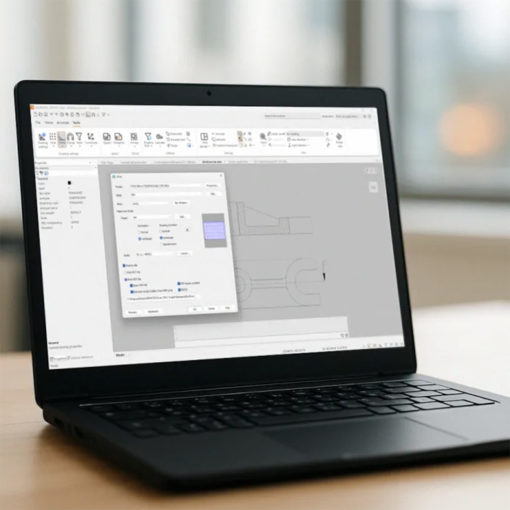
CADMATIC Draw
CADMATIC Draw is a comprehensive CAD application for creating, editing and managing technical drawings in 2D and simple 3D models. Its independent drawing engine, compatibility with major CAD formats and tools for layers, references, printing and customization enable users to produce accurate documentation and easily reuse existing files and archives.
CADMATIC Draw supports the creation and management of drawings, diagrams, layouts and technical documents. Users can work in 2D and 3D, organize layers and references, use customized templates and symbols, convert documents to PDF and exchange files with other CAD systems.
It is designed for designers, engineers, technicians, architects, construction professionals and manufacturing specialists who need versatile CAD software. Its familiar interface and compatibility with widely used formats make it easy to introduce into existing workflows.
- Engineering
- Industrial plant design
- Electrical design
- Building and construction
- Architecture
- Shipbuilding
- Industrial manufacturing
- Infrastructure and networks
Benefits
Speed
Intuitive tools, familiar commands and search functions accelerate the creation, editing and updating of drawings throughout every stage of the design process.
Accuracy
Dedicated tools for dimensions, layers and annotations help create accurate, well-organized technical documents that remain consistent with project standards.
Compatibility
Support for major CAD formats simplifies document exchange, the reuse of existing archives and collaboration with clients, suppliers and external partners.
Flexibility
Menus, toolbars, symbols, templates and settings can be customized to adapt the working environment to different project requirements and design workflows.
Control
Layers, reference images and search tools help organize complex drawings and quickly identify the elements that need to be checked or modified.
Uniformity
Shared templates, labels, symbols and settings help standardize documentation and maintain a consistent drawing style across different projects and users.
Efficiency
Find and replace, batch saving and queue printing reduce repetitive tasks and simplify the management of large quantities of technical documents.
Independence
The independent CAD engine enables users to create and manage drawings without relying on external platforms or additional design applications.
Accessibility
The familiar environment and short learning curve make the software easier to adopt for users with different levels of experience and technical expertise.
Capabilities
- 2D technical drawing
- 3D modelling
- Dimensions and annotations
- Layer management
- XRF reference management
- Find and replace
- Element filtering and sorting
- Drawing labels and templates
- Customizable symbol libraries
- Raster image support
- OLE object linking
- Smart PDF conversion
- Import of DWG, DXF, IFC, BCF, DGN, DRW and PDF files
- Export of DWG, BCF, DXF, DRW and PDF files
- Queue printing and simultaneous management of multiple documents